
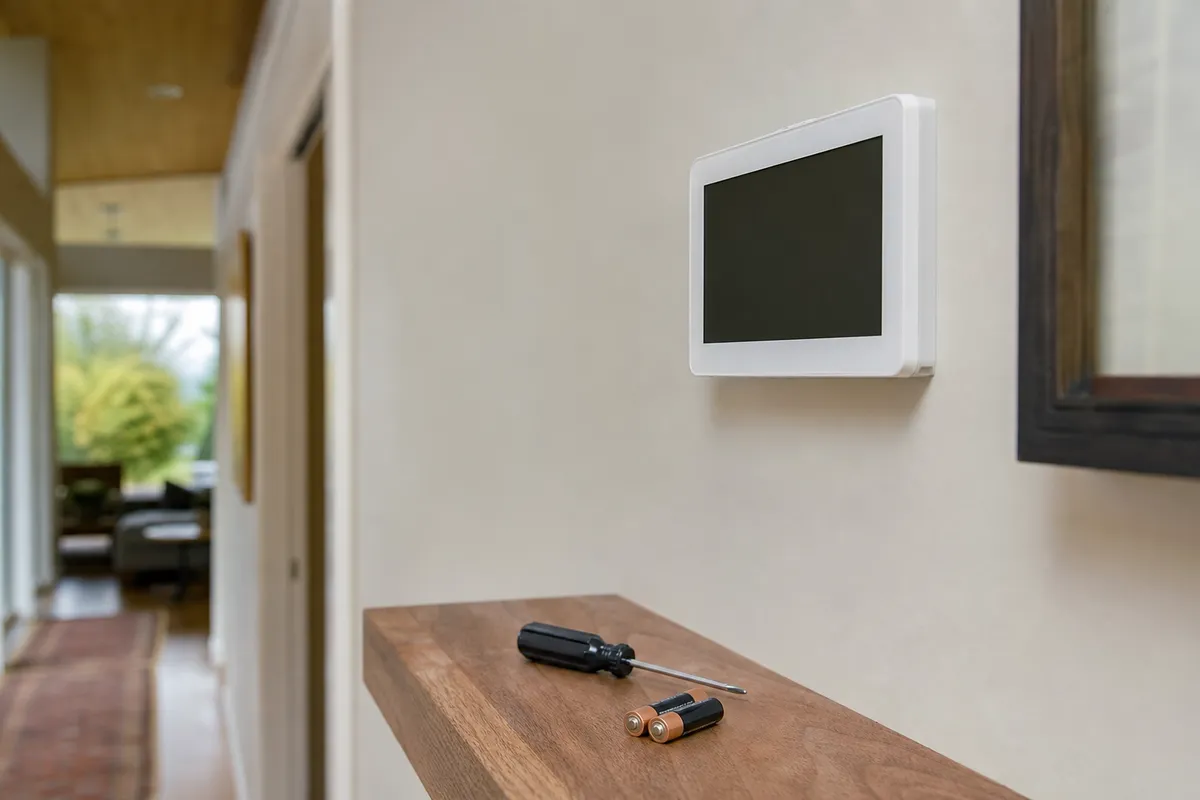
A blank Honeywell thermostat screen on a cold January morning in Seattle is not a design flaw — it’s usually one of about six things, and most of them you can check yourself in ten minutes without touching a single wire. I’ve been called out to plenty of “broken thermostat” jobs over the years that turned out to be a tripped breaker or a dead battery. I’ve also been called out to a few that turned out to be a scorched wire nut behind the wall plate, which is a different situation entirely. Knowing which one you’re dealing with matters, because the National Electrical Code and Washington L&I don’t care whether the wire feels “just a low-voltage thermostat wire” — 24-volt control circuits still originate from a transformer fed by your panel, and mistakes there cause real damage.
This guide walks through the safe, homeowner-level fixes first, then tells you honestly where the line is and why crossing it isn’t worth the risk.
TL;DR
- Blank screen: check the breaker, the furnace/air handler switch, and battery compartment before anything else.
- A soft reset (removing the thermostat from its base for 10-20 seconds) fixes a surprising number of frozen or unresponsive units.
- Flashing “Cool On” or a system that won’t respond to temperature changes often points to the equipment, not the thermostat — see furnace repair or AC repair.
- If the reset trips the breaker again, or you smell anything burnt near the thermostat or panel, stop and call an electrician. That is a wiring fault, not a settings problem.
- Homes in older Seattle, Everett, and Bellevue neighborhoods with knob-and-tube or double-tapped breakers need a panel inspection before a smart thermostat swap, not after.
- SPS Pro Services handles both the HVAC side and the electrical side, so you’re not bounced between two contractors.
Start Here: Is It Actually the Thermostat?
Before assuming the thermostat itself has failed, rule out the simple stuff. In my experience doing service calls across King and Snohomish counties, roughly a third of “dead thermostat” complaints are really a tripped breaker or a furnace switch someone bumped while vacuuming.
Check these in order:
- Look at your electrical panel for a tripped breaker labeled “Furnace,” “Heat,” or “AC.” Flip it fully off, then back on. Don’t just push it toward “on” from the middle position — a half-tripped breaker will look normal but carry no power.
- Find the switch that looks like a light switch near your furnace or in the basement — this is the furnace service disconnect, required by NEC 422.31 style disconnect rules for serviceability. It’s sometimes mistaken for a light switch and left off after maintenance.
- Open the thermostat and check for AA or AAA batteries if it’s a battery-powered model. Honeywell’s battery-only models (older non-connected units) will go completely blank when batteries die, even with the system fully wired.
- Check if your furnace’s front panel is seated correctly. Many gas furnaces have a safety interlock switch on the blower door — if the door isn’t fully latched, the whole system, including the thermostat, appears dead.
If all of that checks out and the screen is still blank or frozen, move to the reset.
“Blank Honeywell screen? Batteries first, breaker second, and then check the float switch if you have AC or a high-efficiency furnace — a full condensate pan cuts power to the thermostat circuit by design, and it looks exactly like a dead thermostat. That one check saves a lot of unnecessary service calls.”
— Danil Sokolov, Heat Pump & Mini-Split Specialist at SPS Pro Services
The Safe Reset Procedure
This is the part homeowners can do without any tools beyond a small screwdriver, and without touching line voltage.
- Note your current settings or take a photo of the thermostat’s schedule screen if it’s a programmable model.
- Gently pull the thermostat face away from its wall plate. Most Honeywell models click off the mounting base without needing to disconnect wires.
- Wait 10 to 20 seconds. This lets the internal circuit fully discharge, which resolves a frozen display or unresponsive touchscreen more often than people expect.
- Snap it back onto the base and wait 30-60 seconds for it to reboot and re-read the wiring.
- If it still won’t power up, remove batteries (if present) for one full minute, then reinsert.
- For Wi-Fi models like the Honeywell T6 Pro or Lyric series, a factory reset through the settings menu is the next step — but do this only after the physical reset, since a factory reset wipes your schedule and Wi-Fi credentials.
If the screen comes back but shows “Wiring Error” or a flashing red light, do not start swapping wires based on a YouTube video. Honeywell thermostats use color-coded terminals (R, W, Y, G, C, etc.) tied to specific furnace and heat pump functions, and misplacing the C-wire or reversing Y and O on a heat pump system can send 24V where it doesn’t belong, or worse, put line voltage where it’s not expected if there’s an upstream fault. That’s a call, not a guess.
Common Myths I Hear on Service Calls
“It’s just low voltage, so it’s not really electrical work.” Twenty-four volts won’t shock you the way 120V will, but the transformer feeding that circuit is wired into your panel, and a short on the low-voltage side can trip a breaker or damage a control board. Washington L&I still classifies thermostat wiring connected to permanent HVAC equipment as electrical work when it involves circuit modification, not simple battery swaps.
“A smart thermostat needs a C-wire, so I’ll just tap 24V off the transformer myself to fake one.” This is one of the more common shortcuts I see undone. Improvised C-wire “hacks” using a jumper across R and G, or a homemade wire-nut splice at the furnace board, can overload the transformer or trip safety limits on newer furnace control boards. If your system doesn’t have a C-wire, the correct fix is either a proper add-a-wire adapter or verifying furnace board compatibility — not a guess-and-check jumper.
“If the old thermostat worked fine for 15 years, my wiring must be fine for a smart one too.” Not necessarily. Older analog Honeywell round or slide thermostats often ran on two wires with no continuous power draw. Wi-Fi thermostats draw power continuously to keep the screen and radio alive, and that changes the load on old wiring and transformers, especially in houses in Seattle’s older housing stock built before 1960 that have seen multiple electrical updates layered over decades.
Cost Ranges for Related Work in the Seattle Area
| Service | Typical Estimate Range |
|---|---|
| Thermostat diagnostic and reset visit | $89 - $150 |
| Thermostat replacement (standard, non-smart) | $150 - $300 installed |
| Smart thermostat installation (customer-supplied unit) | $175 - $350 installed |
| C-wire add or transformer upgrade | $150 - $400 |
| Furnace control board diagnosis | $200 - $500 |
| Electrical panel evaluation (if breaker keeps tripping) | $150 - $300 |
These are estimate ranges only, and actual pricing depends on your specific furnace model, wiring condition, and whether panel work is involved. Homes in Bellevue and parts of Everett with older Federal Pacific or Zinsco panels sometimes need panel-level attention before we’ll recommend adding smart home devices to the circuit — see electrical panel upgrade for what that involves.
When to Call a Licensed Electrician or HVAC Tech
Stop troubleshooting yourself and call if you notice any of the following:
- The breaker trips again immediately after you reset it.
- You see scorch marks, melted plastic, or smell anything burnt near the thermostat, furnace board, or panel.
- The thermostat display works but the furnace or AC never actually turns on — this is often an equipment-side issue, not the thermostat. Start with furnace repair or AC repair depending on the season.
- Your home still has older cloth-insulated or aluminum branch wiring feeding the HVAC circuit. This is common enough in older Seattle-area homes that it’s worth a look before any new thermostat install.
- You’re adding a smart thermostat and your panel is already full, or you’re also planning an EV charger or heat pump — in that case a load calculation matters more than a single thermostat swap. See EV charger installation and heat pump installation for how those interact with panel capacity.
Quick Checklist Before You Call
- Confirmed the breaker is fully on, not half-tripped
- Confirmed the furnace service switch is on
- Checked batteries if applicable
- Performed the base-detach reset and waited a full minute
- Noted any error codes or flashing lights on the display
- Checked whether the issue is heating-side, cooling-side, or both
- Ruled out an obviously tripped breaker feeding an unrelated circuit, like a water heater — if that’s tripping too, see water heater repair
Mini FAQ
Can I replace a Honeywell thermostat myself without an electrician? For a straightforward like-for-like swap with matching wire count and labeled terminals, many homeowners do this safely. Where it gets risky is mismatched wiring, missing C-wires, or heat pump systems with O/B reversing valve wires, which are easy to cross.
Why does my thermostat show “Heat On” but the furnace never actually kicks on? That usually means the thermostat is sending the correct signal but the furnace isn’t responding — check the furnace switch and breaker first, then treat it as a furnace issue rather than a thermostat issue.
Is it normal for a smart thermostat to need a C-wire when my old one didn’t? Yes. Older mechanical thermostats didn’t need continuous power. Wi-Fi and touchscreen models do, which is why a C-wire or add-a-wire adapter is often part of the upgrade, not a sign anything is wrong with your house.
If your Honeywell thermostat still isn’t cooperating after these steps, or you’re seeing repeated breaker trips, call SPS Pro Services at (206) 427-8907 and we’ll sort out whether it’s the thermostat, the furnace, or the wiring behind it.